

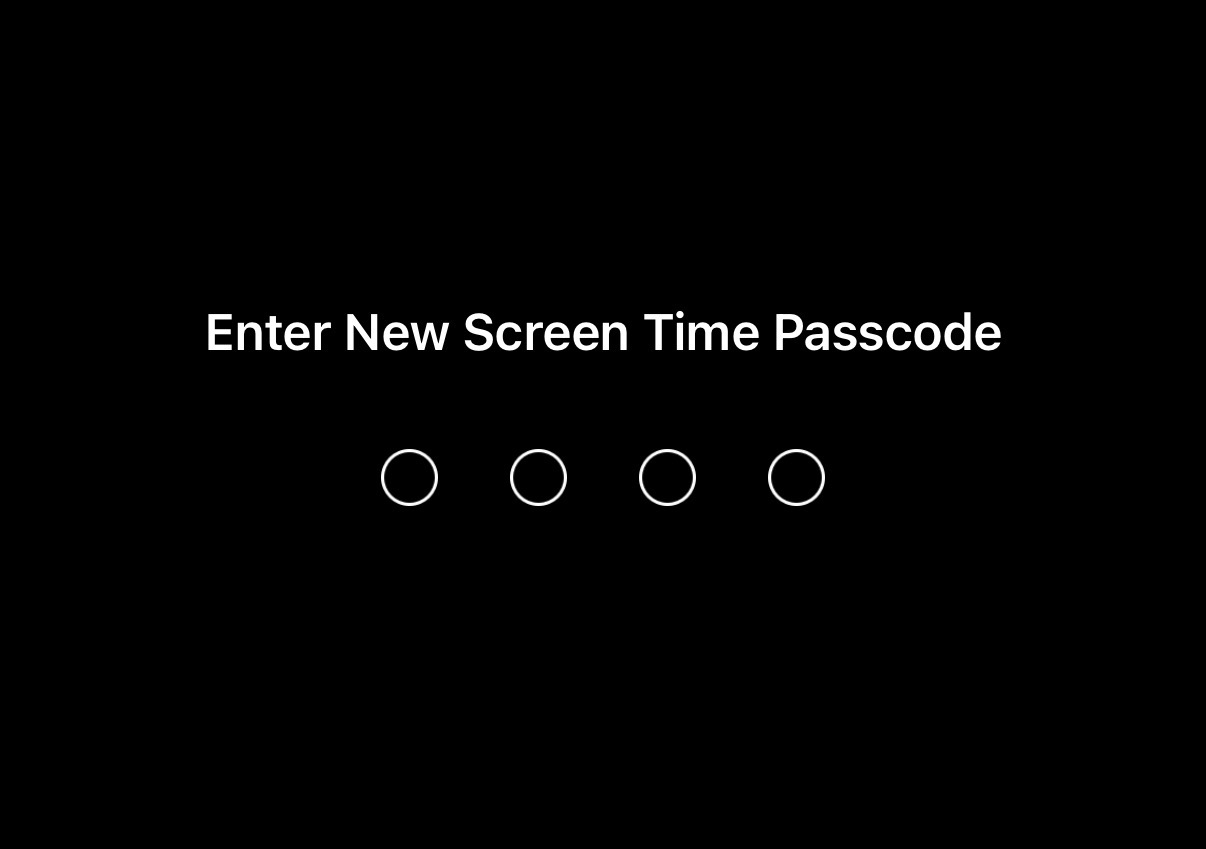
To help make your Opal Sessions, Time Limits, and Open Limits foolproof, you can now implement a Screen Time Passcode on the iOS version of Opal. A Screen Time Passcode is a 4-digit code set in your iPhone's Settings that prevents Opal's access to Screen Time from being disabled. Available if you upgrade to iOS 26.4, it will mean that once your Screen Time Passcode is set, it must be inputted to toggle off Opal's access to Screen Time. This means no one can turn off Opal's permissions without knowing this code. Please note that this feature is separate from your device passcode and separate from Opal's Pin Code Protection feature. Together, they make Opal fully tamper-proof.
Important Note: on earlier iOS versions, the Screen Time Passcode feature exists, but Face ID or your device passcode can be inputted to bypass it. Please update to iOS 26.4 so that this feature can not be bypassed.
We recommend having a trusted friend, partner, or family member set up the passcode on your behalf so that you don't know it yourself. To do so, follow these steps:
Once implemented, your Screen Time Passcode will be required to delete Opal, or to disable Opal's access to Screen Time.
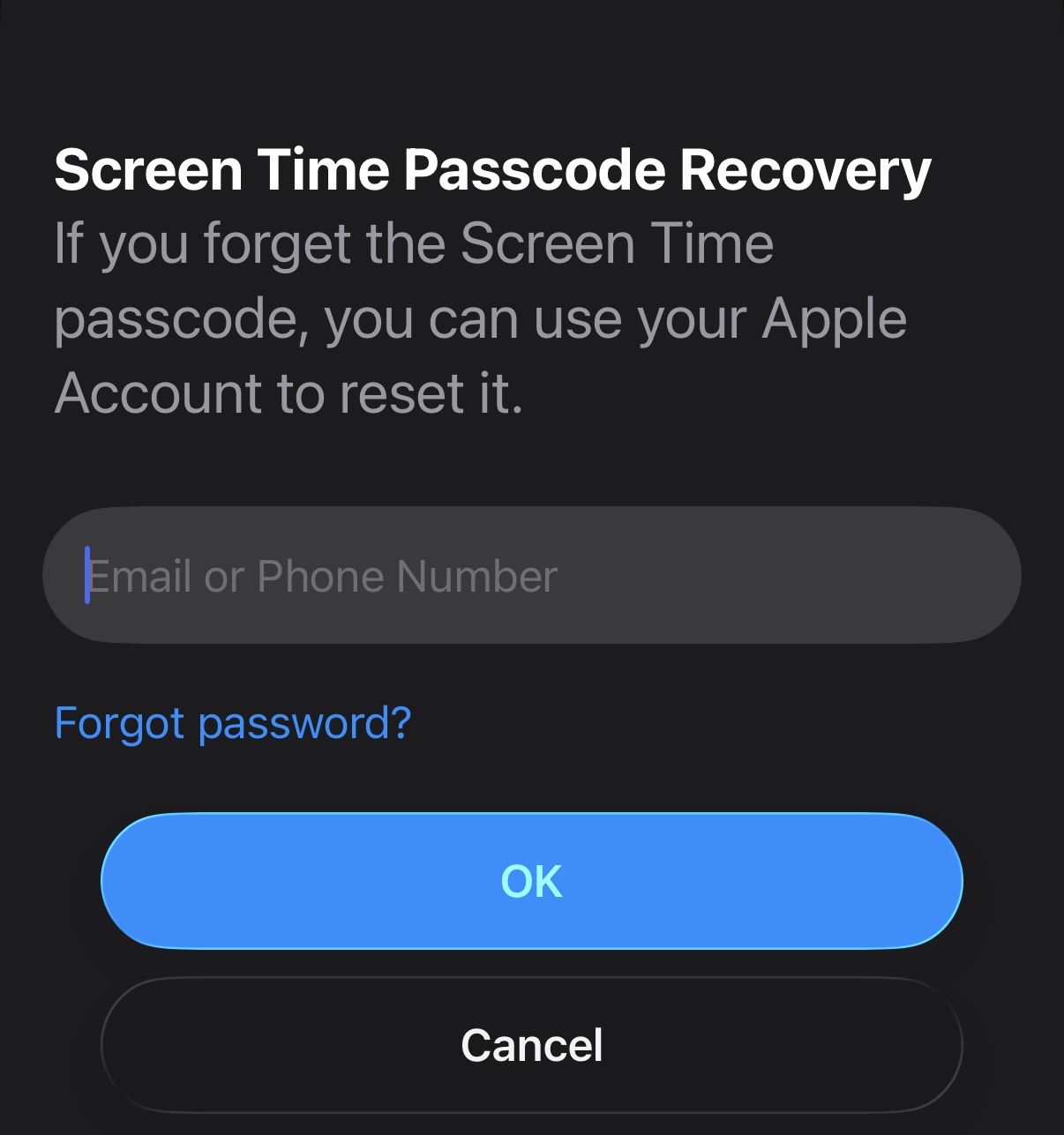
You can reset the Screen Time Passcode by exiting Opal and following these steps:
It's important to note that if you had a trusted friend set the passcode for you, you may also additional have them use their own Apple Account for the recovery step. That way, even the "Forgot Passcode" reset will require credentials you don't have!
Important Note: on a child's device in an iOS Family Sharing group, only the family organiser can change the passcode. To do so, they may authenticate with their own Face ID, Touch ID, or device passcode. The child cannot reset it. To set up Family Sharing, follow the steps here.
