

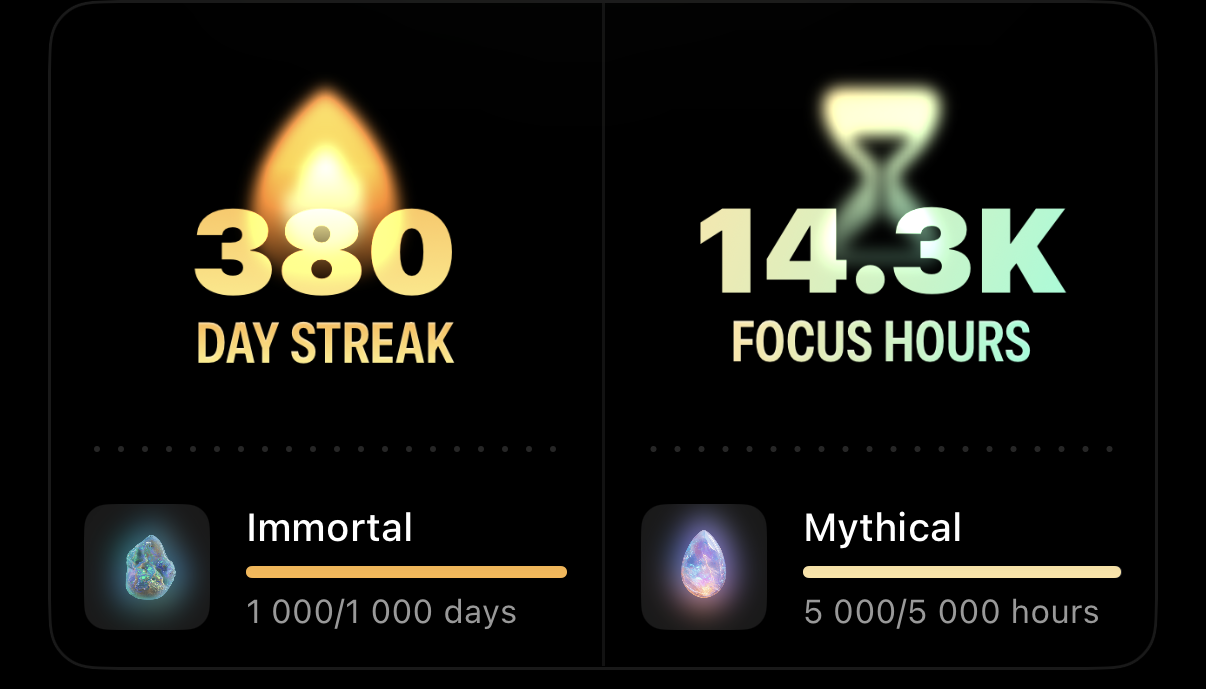
At Opal, we’re on a mission to help you reclaim your focus and build healthier digital habits. That’s why we’re thrilled to introduce two exciting new features on the iPhone version of the app that are designed to keep you motivated: Streaks and Focus Hours! Currently, you may also see your Streak on the Android version of the app. Let’s dive into how these features work and how they can help you stay on track toward your focus goals.
We all know how powerful a Streak can be—it’s that satisfying feeling of seeing your progress grow day after day. With Streaks, you can now track the number of consecutive days you’ve had an active Session, Time Limit, and/or Open Limit. Streaks are more than just a number—they’re a visual reminder of your commitment to staying focused and productive.
What if you could measure your focus like a pro? With Focus Hours, you can now see exactly how much time you’ve spent in Sessions, helping you build the habit of deep work and concentration. Here’s the breakdown:
Please note that a Streak will only apply if you have an active Session, Time Limit, and/or Open Limit every day. Additionally, if you changed your devices time and/or date settings to exit a Session early or use Vacation Mode, your Streak will not be maintained. That said, if you've fulfilled those obligations and your Streak was still broken, don't hesitate to contact our Support team in-app by following the steps here. They can check your Streak on the back end and repair it, if applicable. Otherwise, if you lost your Streak on the Android version of the app, please contact our Support team at support@opal.so.
It sounds like you may have deleted Opal, and then did not log back into your existing account when you redownloaded the app. To get this sorted, you'll need to log back into your existing account on your "Profile" tab - "Settings" (accessible from the gear icon in the top right corner). Navigate there, and if you do not see your phone number or email listed, please log back into your existing account.
That said, if you have since opened a secondary account, we are unfortunately unable to transfer any Focus Hours or Streaks between accounts. Sorry about that! In the future, we'd recommend avoiding deleting the app, changing your phone’s time and date settings to exit a Session, or creating multiple accounts, as this will result in unrecoverable Streak and Focus Hours loss.
Currently, there is no automatic way to reset your Streak, Focus Hours, and Gems to zero. Instead, you'll need to take the following steps:
Currently, we're working on implementing feature parity for our Mac app and for our newly launched Android app. Stay tuned on that front!
